Dark mode, smoother planning, and a better Juno
Dark mode is here, alongside a better welcome-back flow and improvements across the planning experience.
Juno is a private planning system for turning scattered commitments into a clear daily plan. This update makes that system feel better across the board: calmer, faster, and more reliable.
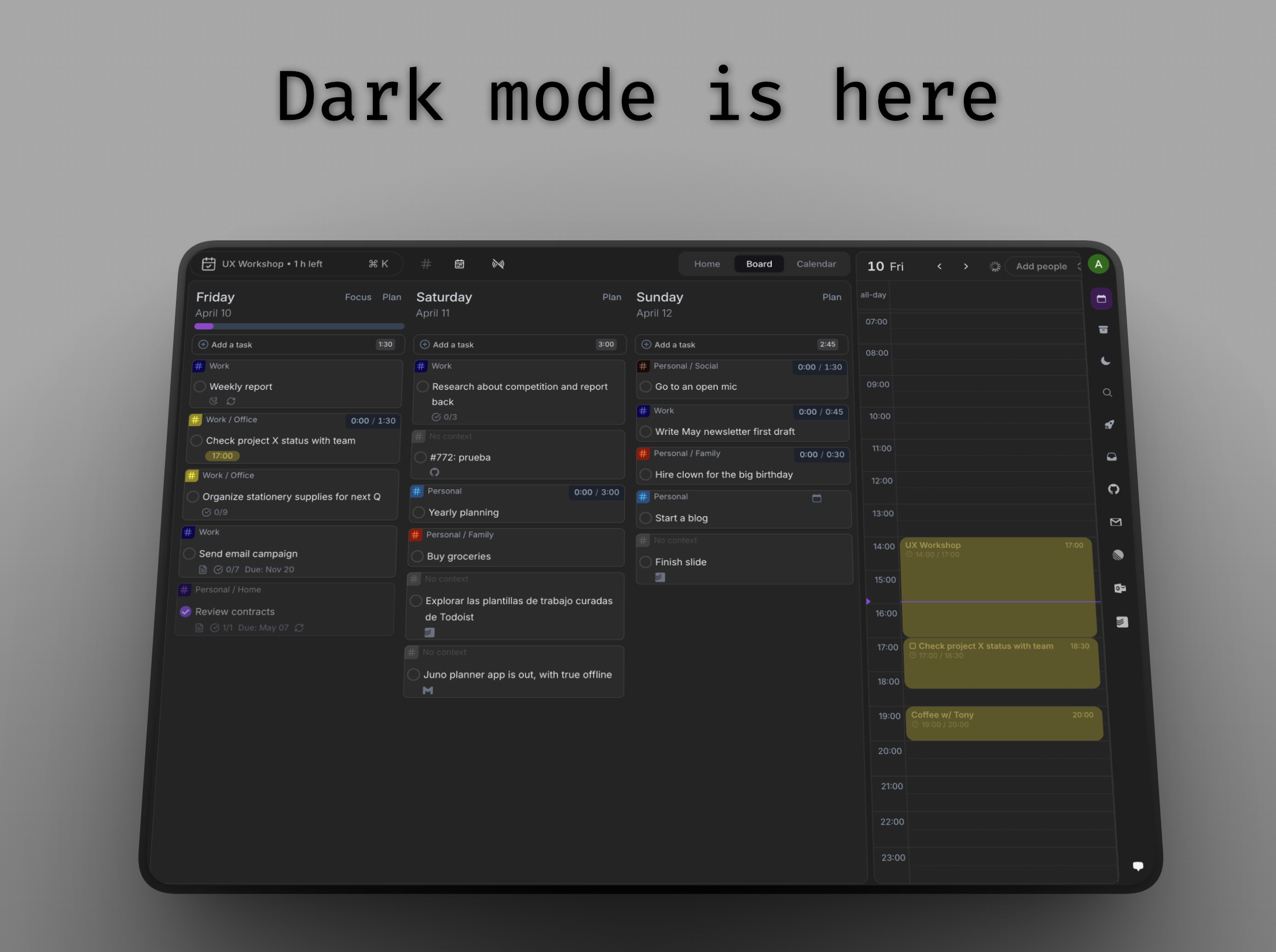
Dark mode is here
Dark mode is now available across Juno.
At launch, dark mode was off by default. You can turn it on in Settings → Appearance & Controls.
A better welcome-back experience
If you come back to Juno after your trial has expired, you now get a clearer path back into the product instead of hitting a dead end.
Depending on how long you have been away, Juno can show a simpler return flow, a quick feedback prompt, or a fuller welcome-back screen with new feature highlights.
Smoother throughout the app
This release also includes a set of polish fixes and reliability improvements across the app. The goal is simple: planning should feel calm, not brittle.
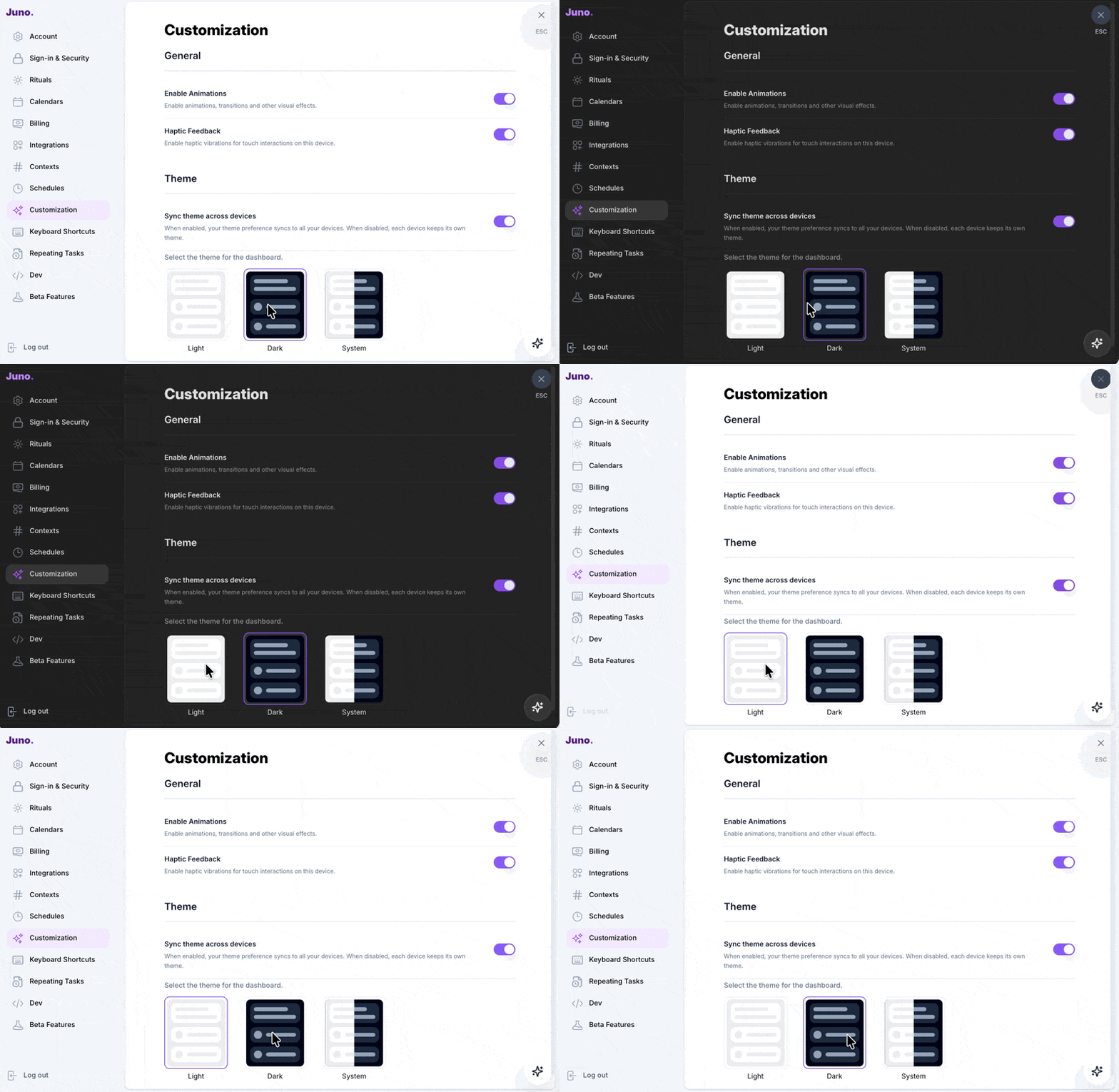
Open Juno and choose your appearance from Settings. See the settings guide.