Asana and Jira are now available in Juno
Bring Asana tasks and Jira issues into your private planning system, then decide what belongs in your day.
If you use Asana or Jira to coordinate work with others, Juno can now give you a better way to plan that work for yourself.
Asana and Jira integrations are available in Juno.

Team tools are useful for tracking shared work, but they are not designed to help you decide what deserves your attention today. That is the gap Juno fills.
Juno is your private planning system: a personal space where you can bring together the commitments scattered across your work tools, email, calendar, and your head, then turn them into a clear daily plan you can actually follow.
Instead of living in other people's queues all day, you can review everything in one place, decide what matters now, and shape a realistic plan around your priorities.
With Asana and Jira in Juno, you can:
- pull in tasks from Asana and Jira;
- review them alongside email and calendar;
- choose what matters now;
- build a realistic day;
- execute with more focus.
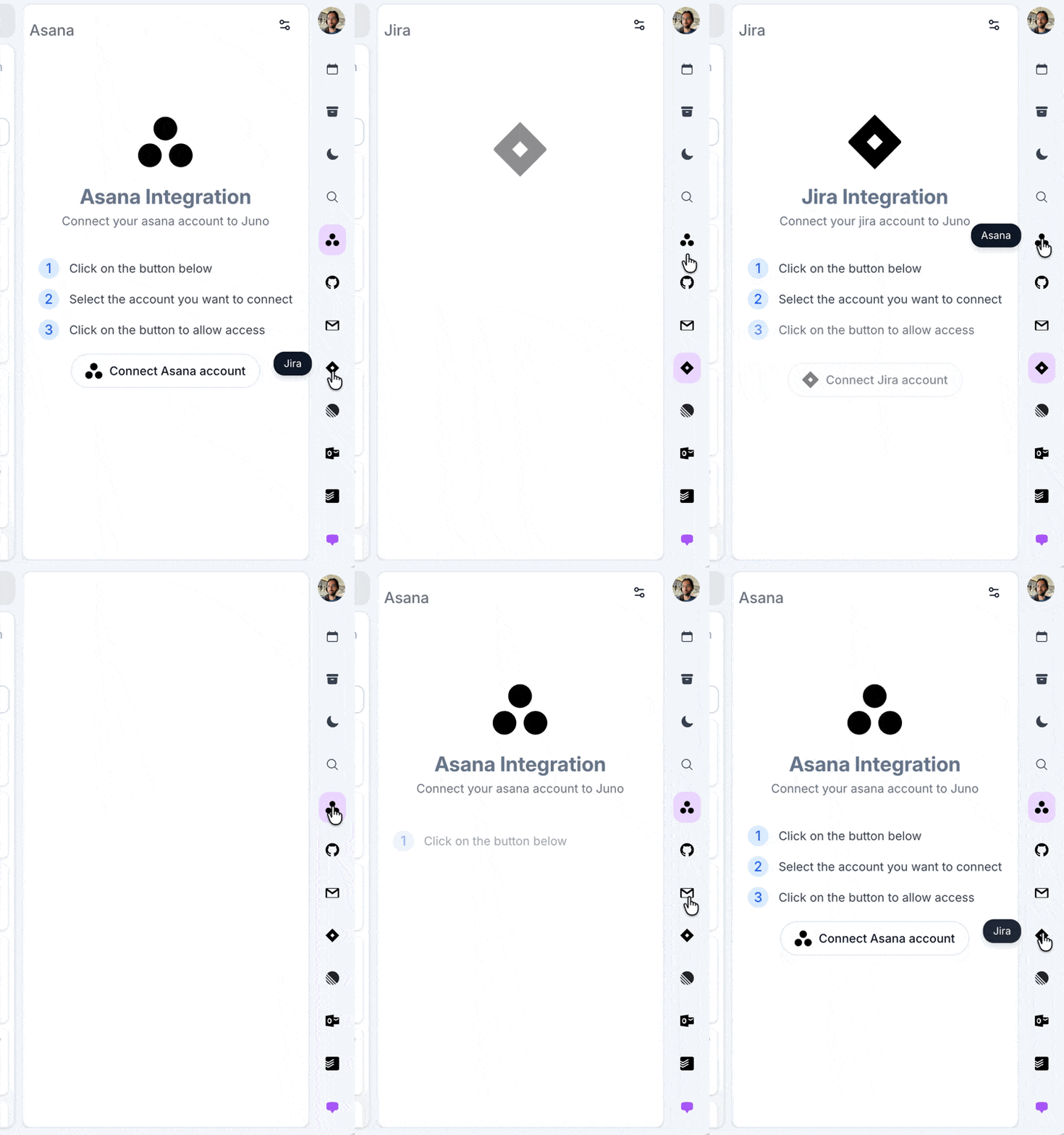
That is why Asana and Jira belong in Juno. They give you the full picture of what is on your plate, while Juno gives you the space to plan around it intentionally.
Connect an integration or follow the integration setup guide.