Keep the progress you made
When work rolls into another day, Juno keeps a read-only history of the completed subtasks behind it.
August 17, 20261 min readBy Juno
A productive day rarely goes exactly to plan. Tasks continue into tomorrow, priorities shift, and it can be easy to lose sight of everything you already accomplished.
See what was completed
When an unfinished task rolls forward, Juno now leaves a read-only snapshot of that day's completed subtasks in your history.
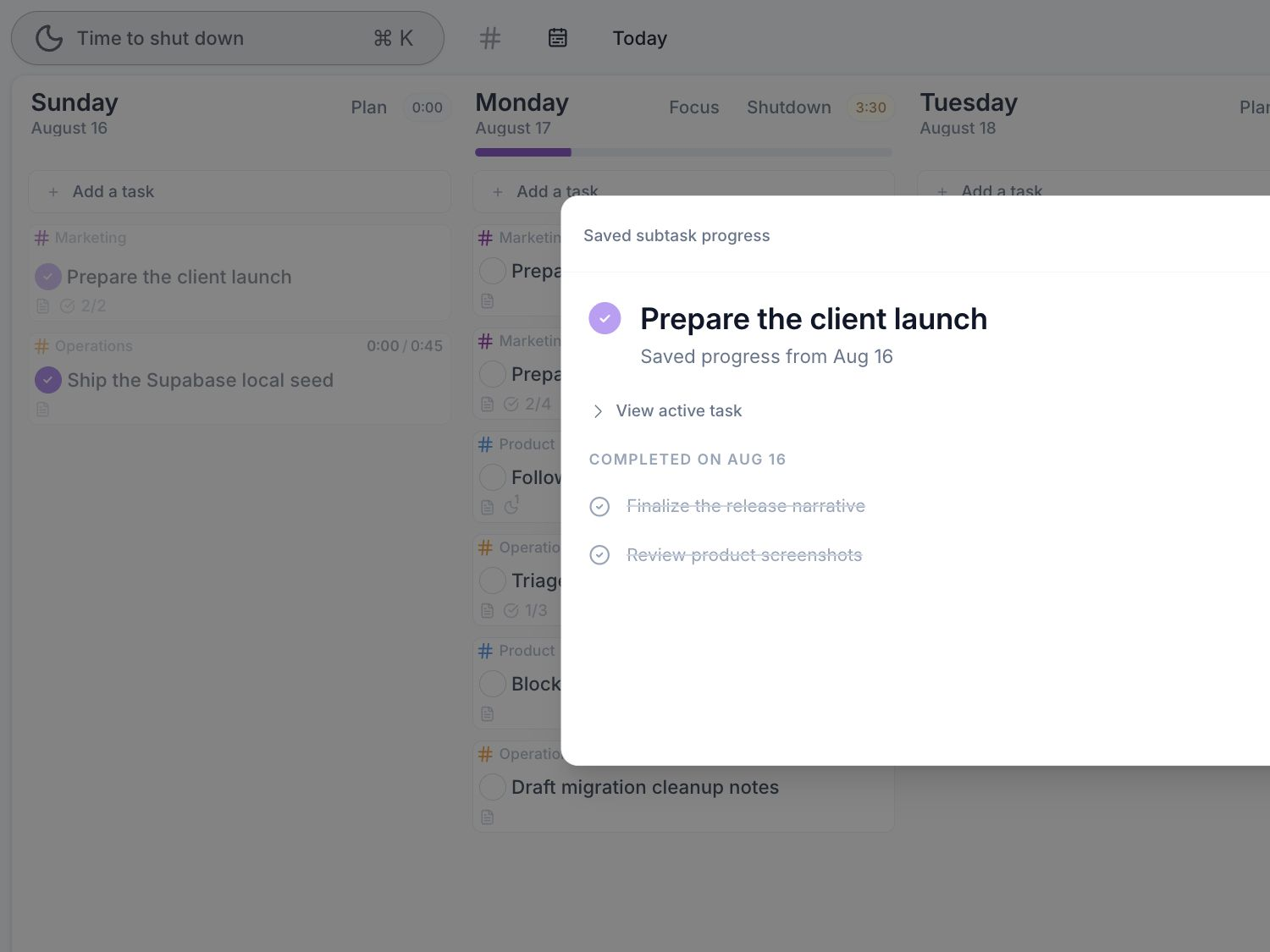
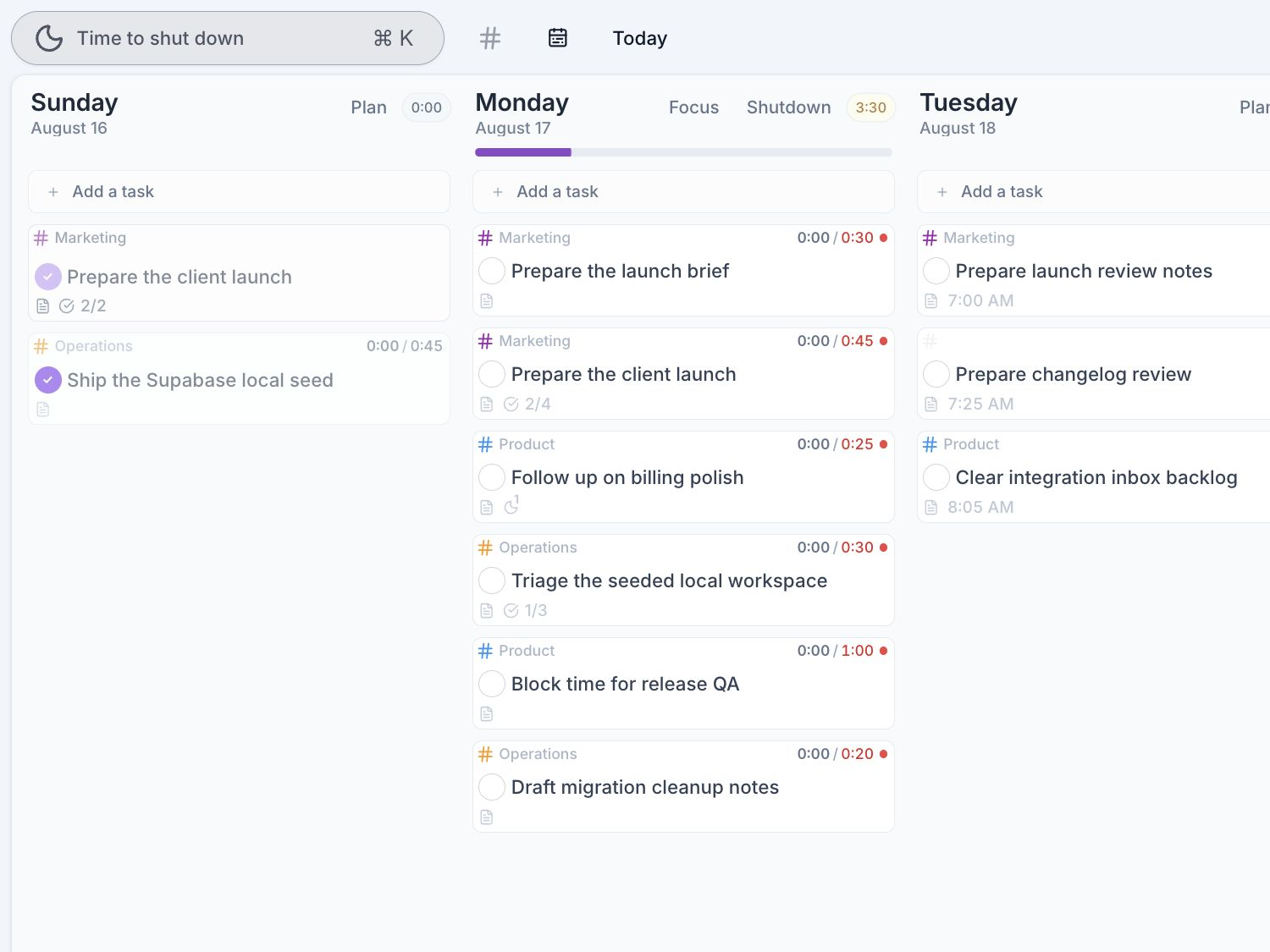
The full task continues into the next day, ready for you to pick up where you left off. Your planner now reflects both sides of the story: what remains to be done and what you have already accomplished.
Also shipped
- Task notes have clearer typography and more consistent spacing for headings, paragraphs, and lists.
- The Today button remains available and explains when today is already selected.
- Synchronization, offline recovery, and data safety are more dependable across reconnects, app updates, sleeping tabs, and older task data.
- Automatic task-date and completion adjustments now explain why they happened.
Your plan can move forward without erasing the work behind it.